What is AI Handwritten Notes from Text ?
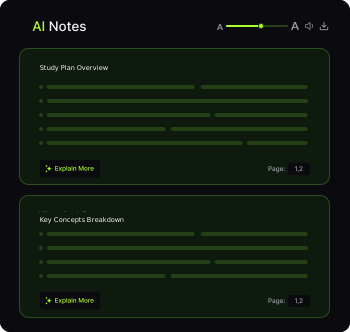
An AI Handwritten Notes Generator turns your learning material into notebook-style notes: clear headings, key definitions, and revision points laid out like a handwritten page. Use it to create a fast first draft you can skim, edit, and export.
For best results, keep inputs focused, verify any names/dates/numbers against the original source, and tweak the final notes to match your syllabus.
Draft-first workflowVerify key factsEdit to match syllabus
Process
How does it work?
Three steps. Clean output. Built for speed — but easy to review.
- 01
Add your content
Upload, paste, or drop a link.
- 02
AI writes handwritten-style notes
We turn raw content into notebook-friendly structure.
- 03
Review & export
Edit the draft and save it.
What can you generate handwritten notes from?
Text
Paste content and generate notes.
PDFs
Turn chapters into notebook notes.
YouTube
Notes from lectures and tutorials.
Audio
Convert recordings into revision notes.
Why Use Our Handwritten Notes?
Why use handwritten-style notes?
Revision-friendly
Headings + bullets optimized for quick review.
Consistent structure
Neat format across subjects and sources.
Saves time
Draft in seconds instead of hours.
Works anywhere
Use on desktop or mobile.
Who Can Benefit From Handwritten Notes?
Who is this for? — built for fast learning, better recall, and cleaner outputs.
Students
Turn classes, PDFs, and videos into exam-ready notes faster.
Professionals
Convert trainings, meetings, and tutorials into clean notes.
Researchers
Extract key ideas into structured notes you can revisit.
Teams
Share consistent notes across projects.
FAQ
Frequently Asked Questions
Clear answers to the most common questions — plus a few quality tips.
Verify names, dates, and numbers.
Keep your input focused for best results.
Treat the output as a high-quality draft.
FastEditableStructured
Clean text, readable PDFs, and clear audio/video give best notes. Keep input focused and remove unrelated sections when possible.